Complete
Most active this month — celebrate the crew on the family podium.
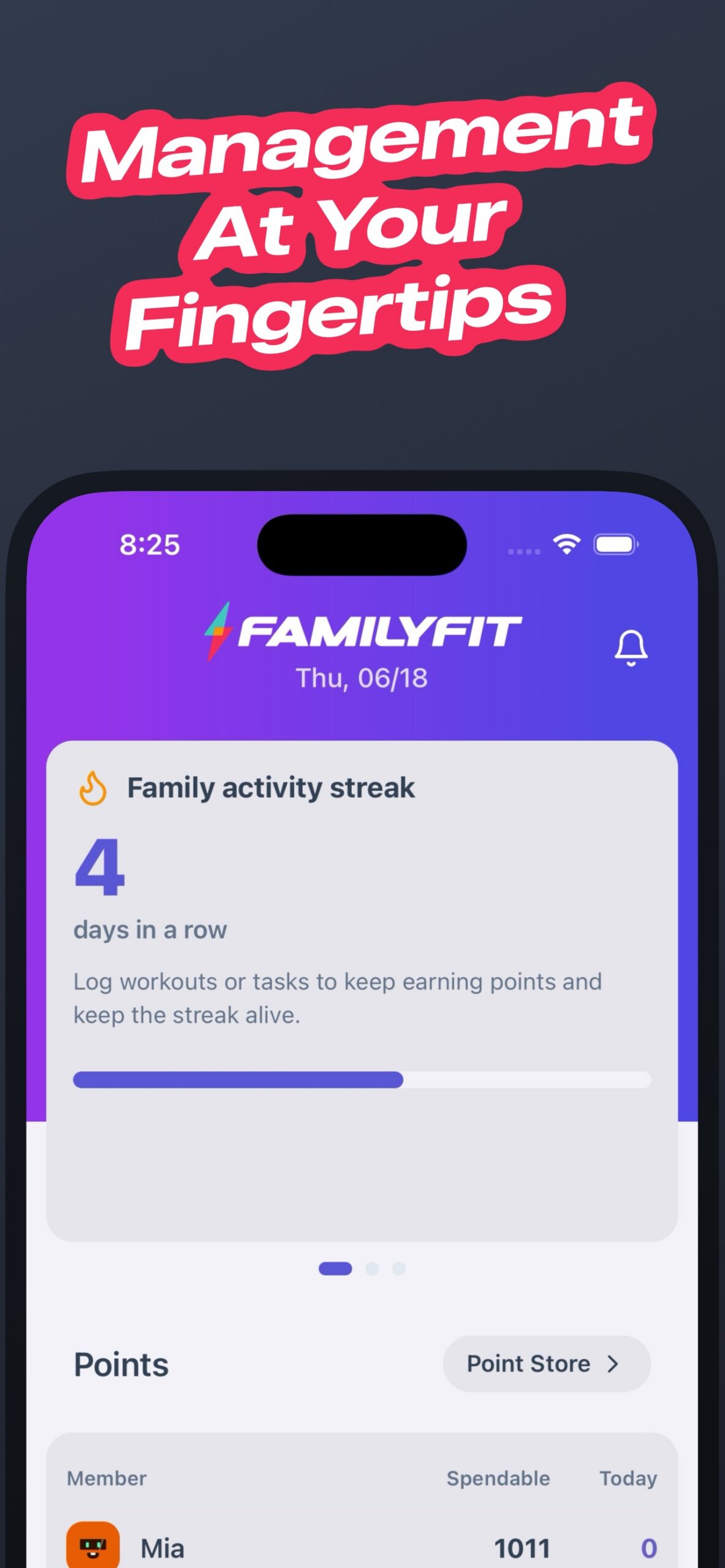
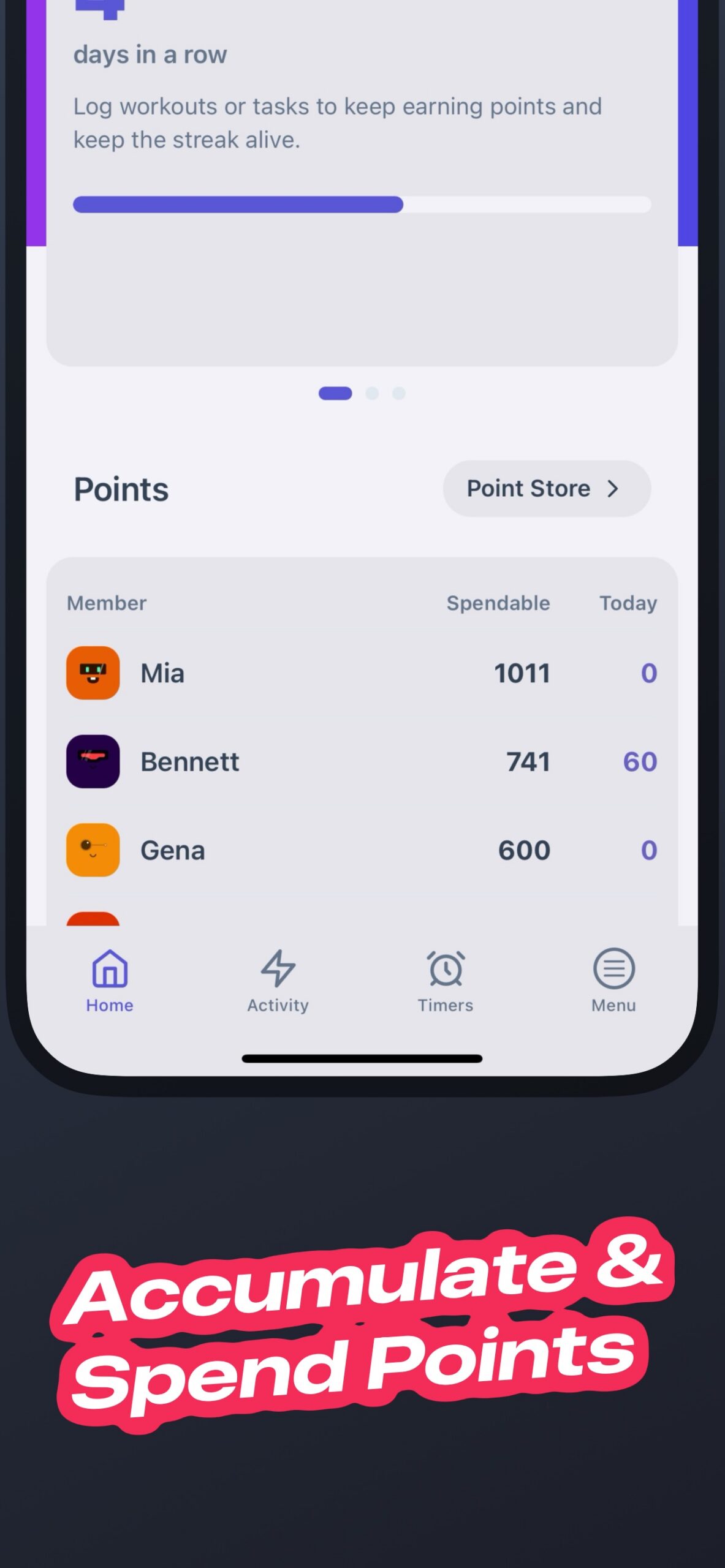
The Home screen is the proof: family activity and the podium that makes wins visible for parents and kids.


FamilyFit - fitness built for families
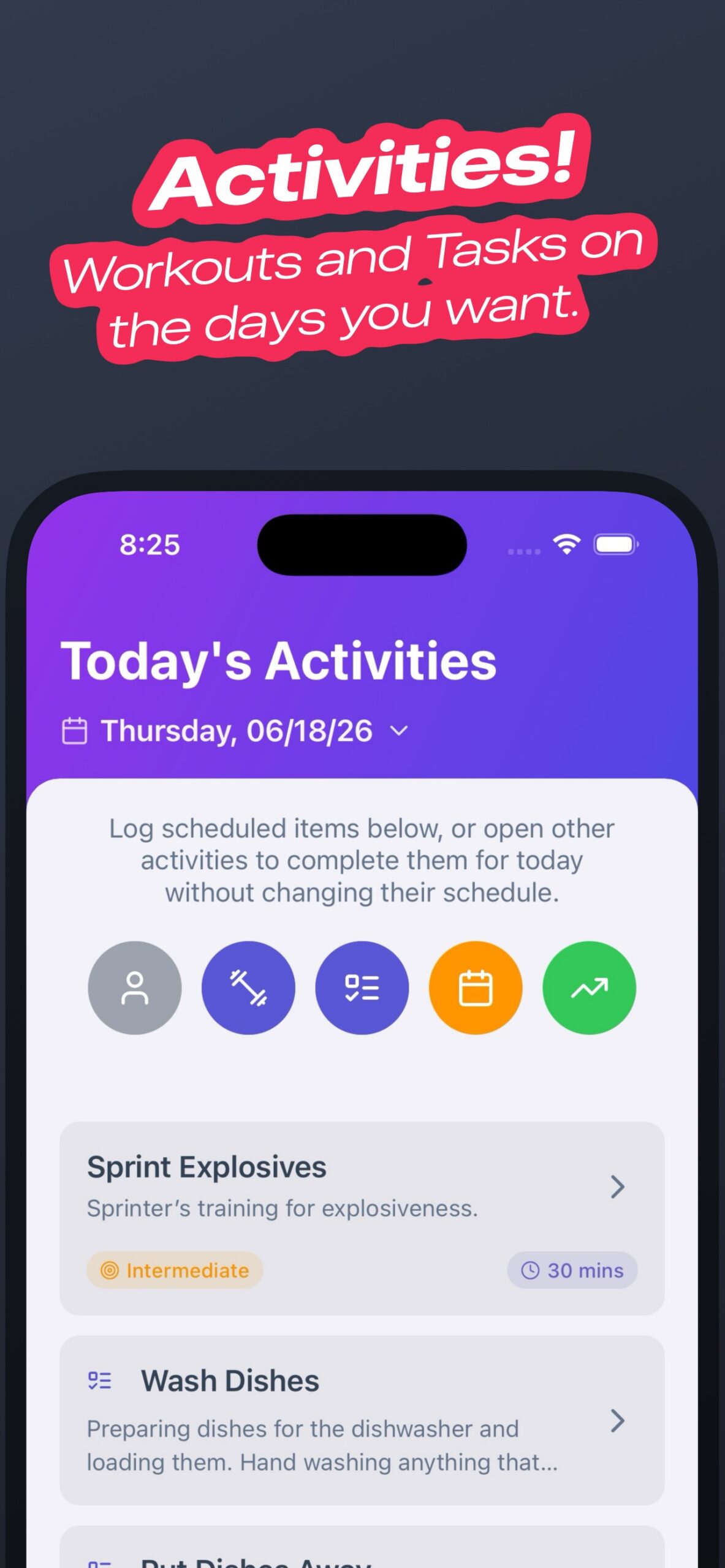
Workouts, tasks, and rewards on today’s plan — real app screens below.
Get FamilyFit on iOS & Android


The FamilyFit loop
One shared rhythm that keeps the household moving together.
App Preview
Complete 1 / 5
The Home screen is the proof: family activity and the podium that makes wins visible for parents and kids.
Complete
The Home screen is the proof: family activity and the podium that makes wins visible for parents and kids.
Assign
Create exercises, workouts, and tasks — then assign them so everyone knows what active together looks like today.
Redeem
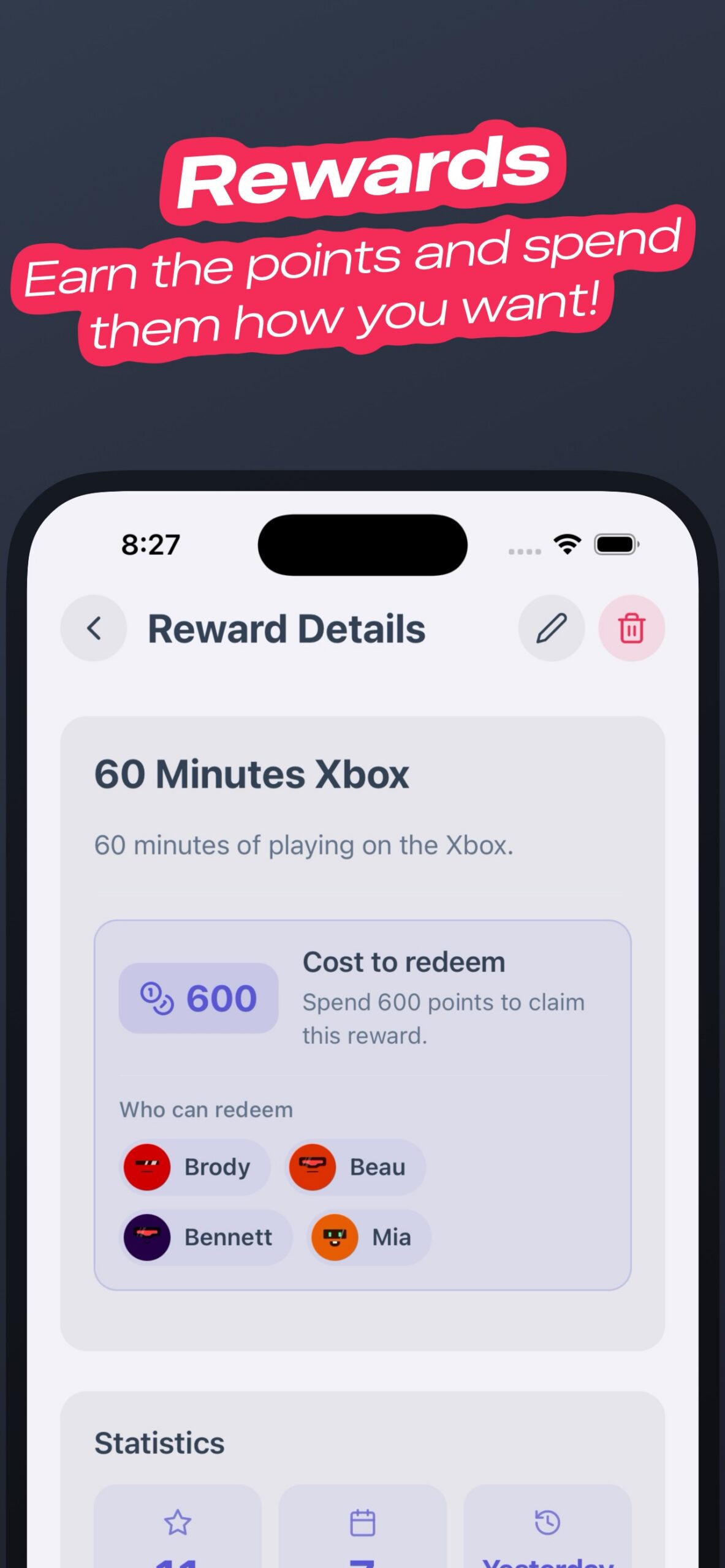
Kids redeem parent-defined rewards — including timed privileges like screen time — when they’ve put in the work.
Earn
Deposit points in the Points Bank and earn interest when the term ends (in-app points interest only).
Celebrate
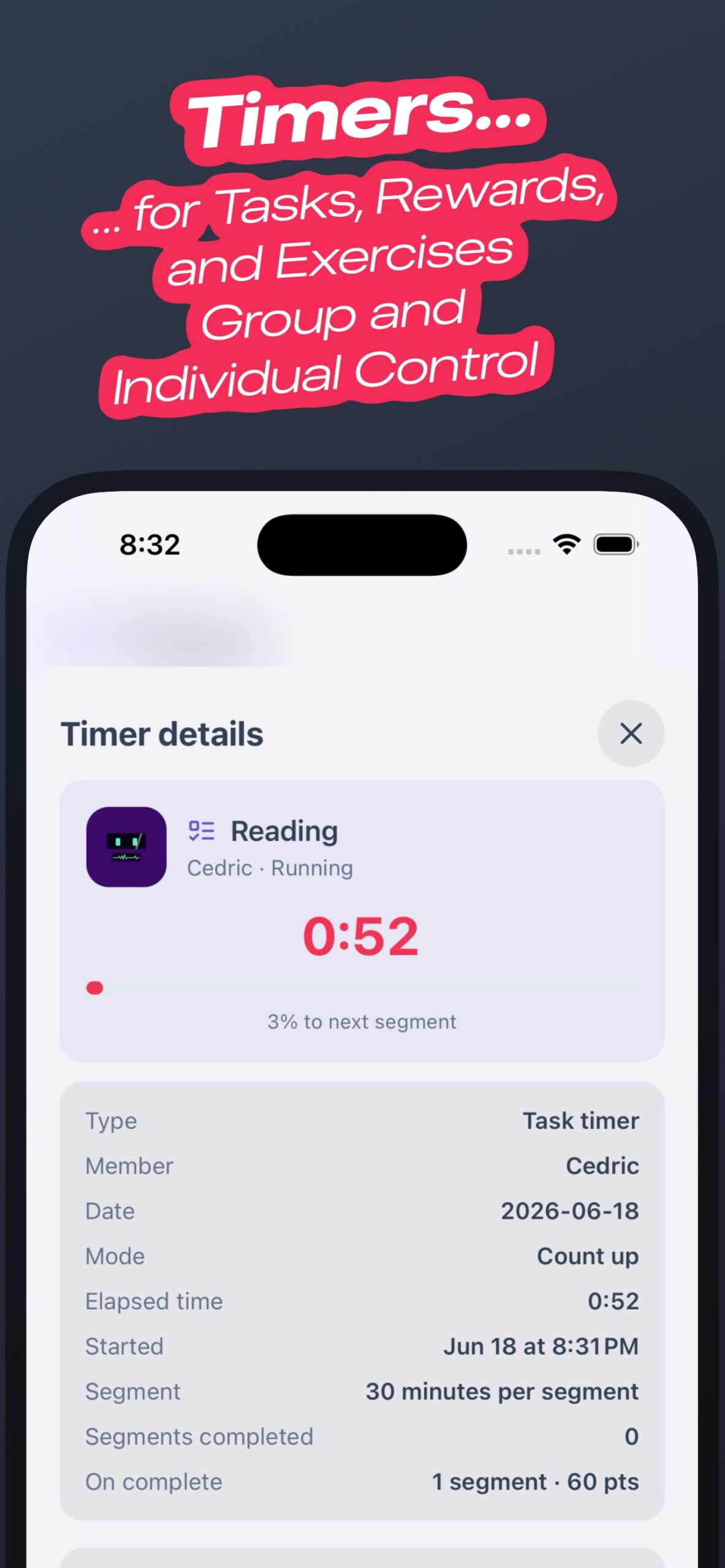
Start the Reading timer with a voice shortcut, put in the minutes, and earn the points.
How it works
Add parents and kids so everyone has a place in the household plan.
Build routines your family will actually do — not generic plans they abandon.
Put the plan on today’s board and watch completions land across profiles.
Points unlock parent-defined rewards — then celebrate with optional activity reports.
Why families
Differentiators
Everything you need for workouts, habits, and rewards — without juggling multiple apps.
Workouts, daily tasks, rewards, and today’s family plan in one place.
Invite a partner or child onto their own phone with a family invitation code.
One linked invitation is free; more linked profiles require FamilyFit Unlimited.
Kids earn points from workouts and tasks, then redeem parent-defined rewards including timed privileges like screen time.
Deposit points in the Points Bank and earn interest when the term ends (in-app points interest only).
Opt into weekly or monthly family activity reports and share a branded report card.
Limited Time · Early Bird pricing
Lock in Early Bird pricing for FamilyFit Unlimited.
Keep Unlimited active to unlock:
Subscribe in the FamilyFit app on iOS or Android.
FAQ
Parents and kids who want to stay active together. Profiles for the whole family live in one app — workouts, tasks, rewards, and today’s plan.
Yes. Invite a partner or child with a family invitation code. One linked invitation is free; more linked profiles require FamilyFit Unlimited.
Kids can deposit points and earn in-app points interest when the term ends. It teaches saving with points — not real money or a bank account. Points Bank is in-app only.
FamilyFit Unlimited is $2/month or $20/year in the app, at Early Bird pricing. Unlimited unlocks premium FamilyFit workout/catalog content, additional linked family invitations (one stays free), current and future features, Founding Member Status, and exclusive future perks.
FamilyFit is on the App Store and Google Play. Use the badges in the hero or the final Get FamilyFit section.
Snapshots from @family_fit_app — family workouts, tasks, and wins.
Create workouts, track progress, and reward healthy habits for your whole family in one app.